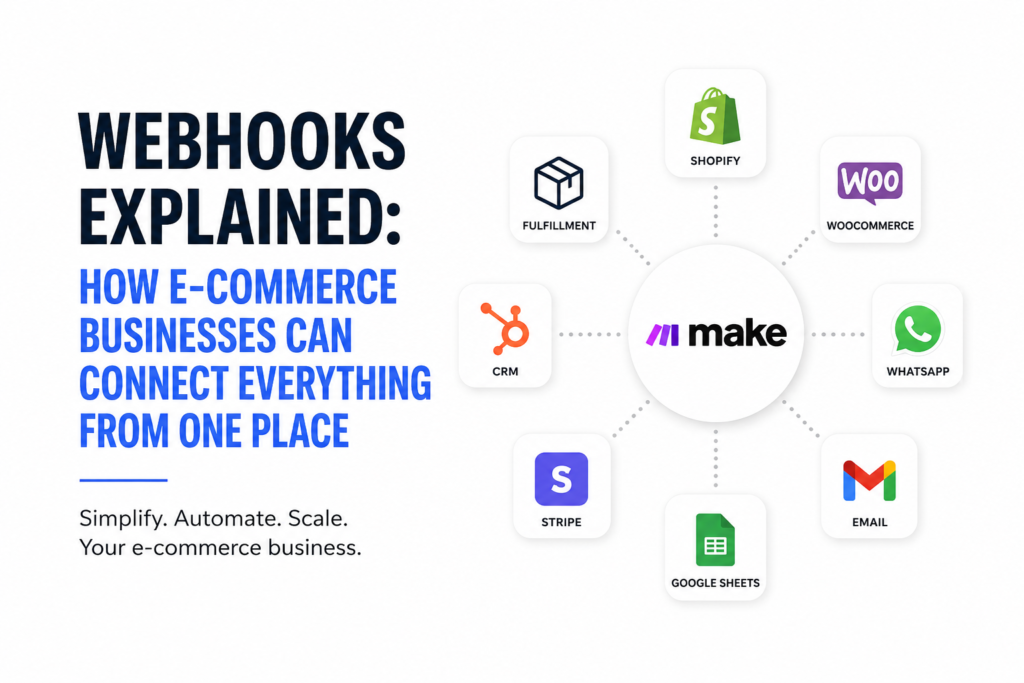
Webhooks Explained: How E-commerce Businesses Can Connect Everything From One Place
Imagine you run an online store.
A customer places an order.
Now someone needs to:
Check the payment.
Update the order.
Notify the warehouse.
Send the customer a confirmation.
Update the CRM.
Record the sale.
Send tracking information.
And eventually ask the customer for a review.
If all of that depends on people moving information from one platform to another, you don’t really have an automation problem.
You have a connection problem.
This is where webhooks become incredibly useful.
So, what exactly is a webhook?
Think of a webhook as a digital messenger.
Instead of one application constantly asking another:
“Has anything happened yet?”
A webhook says:
“Something just happened. Here’s the information. Do what you need to do.”
For example:
A customer places an order on your WooCommerce store.
WooCommerce can send an event notification to a URL you specify. Shopify works similarly, allowing applications to receive notifications when specific events occur.
That URL can belong to an automation platform such as Make.
And this is where things get interesting.
Don’t build dozens of disconnected integrations
One of the problems I see with growing e-commerce businesses is that their technology stack becomes fragmented.
Shopify over here.
WooCommerce over there.
Payment processor somewhere else.
WhatsApp.
Email.
Google Sheets.
CRM.
Inventory system.
Shipping platform.
AI tools.
Then somebody says:
“We need to connect this one to that one.”
Then another integration is created.
Then another.
Eventually, the business has a collection of connections that nobody fully understands.
A better approach is to think about your automation platform as a central connection layer.
For example:
Shopify / WooCommerce
↓
Webhook
↓
Make
↓
Business Logic
↓
Payment / CRM / Email / WhatsApp / Inventory / Fulfilment / AI
Now you’re designing a system rather than simply connecting applications.
Here’s a simple example
Let’s say you sell through WooCommerce.
A customer places an order.
Your workflow could look like this:
ORDER CREATED
↓
Webhook sends the order data
↓
MAKE RECEIVES IT
↓
Check payment status
↓
IF PAID
→ Record order
→ Notify fulfilment
→ Send customer confirmation
→ Update CRM
→ Send internal notification
IF NOT PAID
→ Mark as pending
→ Send payment reminder
→ Wait
→ Check payment again
One customer action can trigger an entire chain of actions.
WooCommerce supports webhooks for events including orders, products and customers, and allows a delivery URL and secret to be configured.
Now add AI
This is where automation becomes much more powerful.
Imagine a customer places an order containing five different products.
Instead of simply forwarding the order, your workflow could ask an AI system to analyse the order.
For example:
Is this a high-value customer?
Is this a repeat purchase?
Is the customer buying complementary products?
Does this order require special attention?
Is there an opportunity for a relevant upsell?
The AI doesn’t necessarily execute everything.
It can provide intelligence to the workflow.
So the architecture becomes:
EVENT → WEBHOOK → AUTOMATION → AI ANALYSIS → DECISION → ACTION
That is much more powerful than simply saying:
“We use AI.”
Scenario 1: Abandoned checkout
A customer starts checkout but doesn’t complete payment.
The event triggers your workflow.
Make receives the information.
The system checks:
Has the customer purchased before?
What product were they considering?
How long has it been?
Then the workflow can send an appropriate recovery message.
If the customer purchases:
Stop the recovery sequence.
If they don’t:
Continue the appropriate follow-up.
No employee needs to manually check hundreds of abandoned carts.
Scenario 2: Inventory management
Imagine your best-selling product is approaching its stock threshold.
Your store sends the inventory event.
Make receives it.
The workflow checks sales data.
AI analyses recent demand.
Then the system can help determine:
Should we reorder?
How much should we reorder?
Which supplier is currently more attractive?
Is demand increasing or declining?
Now your inventory system isn’t just recording what happened.
It is helping you decide what to do next.
Scenario 3: Payment confirmation
Imagine your payment platform confirms a successful transaction.
Instead of someone manually checking the payment dashboard:
Payment → Webhook → Make → Verify → Update Order → Notify Fulfilment → Message Customer
One event triggers the process.
This can be particularly useful when your store, payment provider and fulfilment operation are separate systems.
Scenario 4: Customer support
A customer submits a support request.
The workflow receives it.
AI can classify the issue:
Order status
Refund
Product question
Technical issue
Complaint
Then the workflow can route it appropriately.
Simple questions can receive automated responses.
More complicated cases can be escalated to a human.
This creates a simple principle:
Automation handles the predictable.
AI assists with the intelligent.
Humans handle the exceptions and important decisions.
How I would design an e-commerce automation system
I would start with the events that happen repeatedly.
Don’t begin by asking:
“What AI tool should I use?”
Start with:
“What happens repeatedly in my business?”
Write down the process.
For example:
Customer orders
→ Payment
→ Confirmation
→ Fulfilment
→ Tracking
→ Delivery
→ Review
Then identify where information currently gets moved manually.
Those are your automation opportunities.
Step 1: Identify the trigger
What event starts the process?
Examples:
New order
Successful payment
Failed payment
New customer
Low inventory
Refund
New lead
Form submission
Step 2: Create your webhook
Your automation platform can provide a webhook URL.
For example, Make’s Custom Webhook module creates a URL that third-party services can call to trigger a scenario. It also supports API-key authentication and webhook data structures.
Step 3: Connect the source
Configure Shopify, WooCommerce or another platform to send the relevant event to that endpoint.
Step 4: Build the workflow
Now decide what happens next.
If payment = successful → fulfil order.
If payment = failed → follow up.
If stock < threshold → investigate reorder.
If customer = VIP → notify sales.
This is where routers, filters and conditional logic become powerful.
Step 5: Add AI where it actually helps
Don’t add AI just because you can.
Use it where judgement, classification, prediction or analysis can improve the process.
For example:
Analyse customer behaviour.
Classify support requests.
Predict demand.
Analyse product performance.
Generate personalised responses.
Identify unusual orders.
Step 6: Monitor everything
A good automation isn’t just:
Trigger → Action.
You also need:
Trigger → Action → Verification → Exception handling → Log
This is important because integrations can fail.
For example, WooCommerce maintains webhook delivery logs and can disable a webhook after repeated delivery failures, so monitoring isn’t something to ignore.
The bigger opportunity
This is why I believe e-commerce businesses should stop thinking about their technology as a collection of apps.
Think of it as an operating system.
Your store is one component.
Your payment system is another.
Your CRM is another.
Your fulfilment system is another.
AI is another.
Your automation layer connects them.
And webhooks are one of the mechanisms that allow those systems to communicate when something happens.
The goal isn’t to automate everything.
The goal is to remove unnecessary manual movement of information so your team can spend more time on customers, strategy and growth.
My prediction
The next generation of e-commerce businesses will increasingly look less like traditional online stores and more like connected digital businesses.
A small team will be able to operate:
Marketing
↓
Lead capture
↓
Sales
↓
Payment
↓
Fulfilment
↓
Customer service
↓
Retention
↓
Analytics
with much more automation and intelligence built into the process.
And the competitive advantage won’t simply be:
“We have a Shopify store.”
It will be:
“Our systems talk to each other, our data flows automatically, and our business can respond intelligently.”
That’s the real opportunity with webhooks, APIs, automation and AI.
Don’t just connect your apps.
Connect your business.